Watch the video
Player by YouTube. Open original video ↗
A kitchen drawer can become a collection point for batteries nobody wants to put back in a device. Some are flat, some might still work, and a few belong to a gadget that has already gone. Clearing the drawer is a good moment to decide where each item should go.
Australia's B-cycle scheme and the NSW EPA both advise against putting batteries into ordinary household rubbish or kerbside recycling. Collection arrangements vary by battery type and condition. A familiar battery-recycling sign is not permission to leave every battery-powered object at that location.
Sort by what the item is
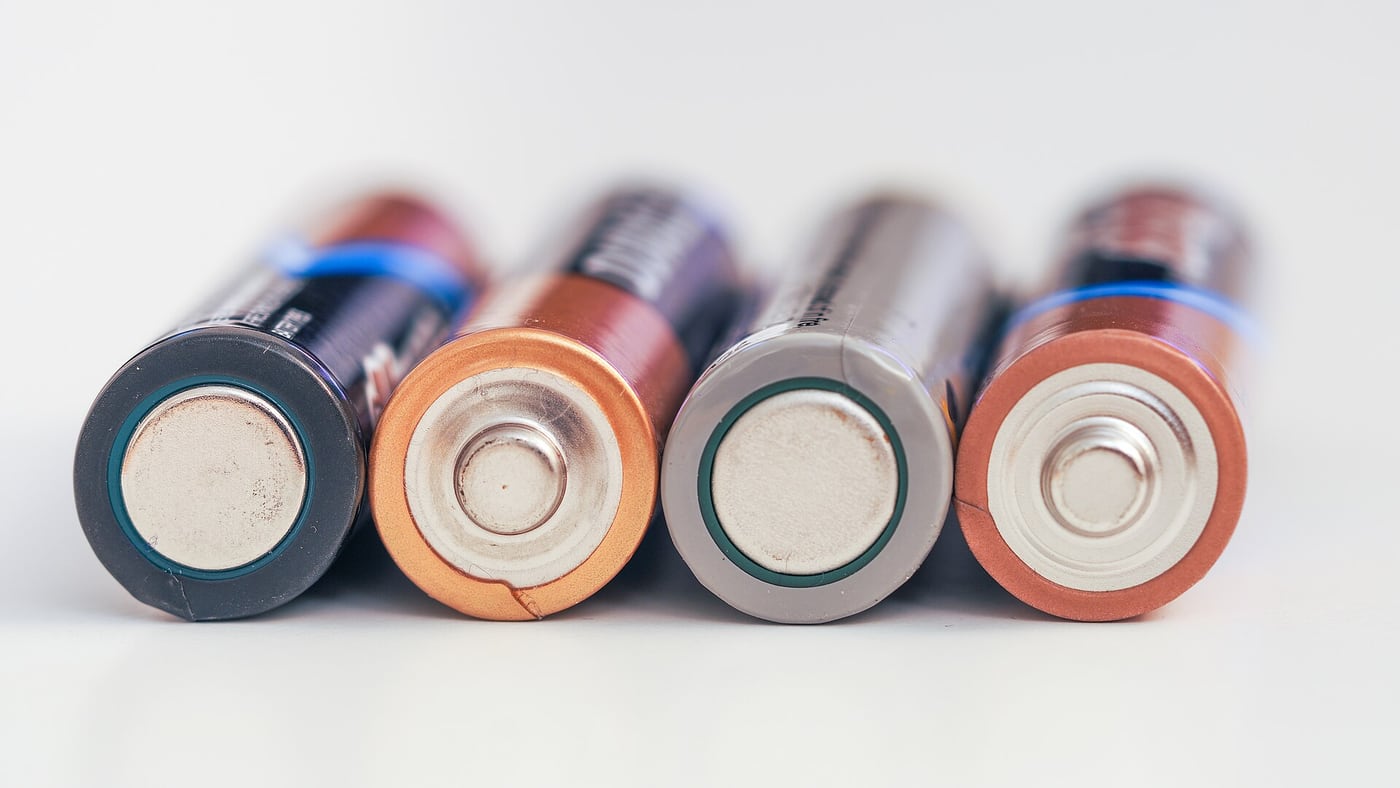
Begin with a distinction between a loose battery and a complete device containing a battery. A television remote with easily removable cells presents a different collection question from a phone, a laptop or an e-bike battery pack.
Use the scheme's current accepted-types guidance and the collection point's instructions. Do not assume that every small rechargeable item belongs in the same bin. If the battery is built into a device, look for the appropriate device or e-waste pathway rather than forcing it out.
For a fictional household clean-up, make a list of the items before leaving home: ordinary loose cells, one old power bank and a damaged rechargeable pack. Contact the collection service about anything uncertain. This is safer than arriving with a mixed bag and hoping the label covers it all.
Condition changes the question
A swollen, leaking, damaged or unusually hot battery is not an ordinary drop-off item. Follow the manufacturer's and relevant safety authority's guidance, and ask the collection service how it handles damaged batteries. Do not put an uncertain item into a public collection box without checking.
Do not puncture, crush or dismantle a battery to make it fit a recycling opening. Also avoid trying to remove a built-in battery when that requires expertise or would damage the device. The recycling objective does not make unsafe disassembly worthwhile.
If an item is smoking, burning or presents an immediate emergency, seek emergency assistance and follow official instructions. This article is about planning disposal, not managing an active battery incident or providing emergency-response training.
Prepare ordinary accepted batteries as instructed
B-cycle's public instructions explain preparing accepted batteries, including taping terminals to reduce short-circuit risk. Read its diagrams for the type you have, especially where the terminals are not as obvious as the ends of a familiar cylindrical cell.
Keep batteries away from children and pets while arranging disposal. A collection container should not become another accessible toy box. If there are button batteries in the household, follow current product-safety guidance about their particular hazards.

Do not describe a taped battery as harmless in every circumstance. Preparation is one part of the scheme's instructions, alongside suitable storage, accepted battery types and the collection point's requirements. Read those instructions together rather than copying one sentence from a social post.
Check the destination before travelling
The B-cycle locator can help identify participating drop-off points. Confirm the actual location and any local conditions. A retailer participating in a scheme at one branch does not establish that every branch accepts the same items in the same way.
The NSW EPA also describes collection pathways for different types of battery and battery-containing products. Other states and councils have their own information. Use the guidance relevant to where you live and to the item you are disposing of.
If you are arranging collection for a workplace or a larger quantity, ask the service about that use explicitly. A small household drop-off arrangement should not be assumed to cover a business clean-out. Do not leave boxes beside a full collection bin or outside a closed store.
Treat personal devices as a separate task
Before disposing of a phone, tablet or computer, deal with personal information through the manufacturer's recommended process if it is safe and possible to do so. Back up what you need and understand what removing an account or resetting the device does.
A damaged device may not be safe to power on just to complete a tidy-up. In that case, discuss the situation with an appropriate repair or recycling service. Avoid giving an unfamiliar collector unrestricted access to accounts simply because the device is being recycled.
For an old family device, ask whose information is on it before assuming it belongs to nobody. A recycling decision can accidentally become a data-loss decision. Keep the safety question and the information-recovery question visible, and seek suitable help where they conflict.
If somebody else is taking the items to the collection point, give them the accepted-item instructions as well as the address. Ask them to bring back anything the service declines rather than leaving it nearby. That keeps a well-intentioned household clean-up from becoming an unexplained disposal problem for the next person.
Make the next clean-up easier
Create a household routine for checking the official collection guidance and taking accepted items to an appropriate point. Avoid accumulating an unlabelled mixture whose condition and origin become harder to remember.
If buying replacement equipment, read how its battery can be maintained, serviced and eventually collected. Easy access to a charging cable says little about end-of-life arrangements. Repairability and collection information belong in the ownership decision.
The practical aim is a correctly prepared item arriving at a service that accepts it. The first step is to identify the battery, the second is to check its condition, and the final destination follows from those facts. A general recycling symbol cannot answer all three questions.
Related video: B-cycle. Battery recycling scheme explainer.
Read more from AusLume Media: why plain-language explanations matter.

About the author
RullikClear, sourced explainers on Australia and the world
Rullik is the pen name of the founder of Australia Illuminate (Auslume). Rullik writes plain-language explainers on life in Australia, from immigration, study and work to money, sport and screen culture, always linking to the official sources behind each story. Every story is reviewed before publication.
More from Rullik ↗Image credits
- A USB-C cable connected to a portable power bank.: Photo: Logant547 / Wikimedia Commons. CC BY 4.0 (https://creativecommons.org/licenses/by/4.0). Resized, without cropping. Source: https://commons.wikimedia.org/wiki/File:USB-C_cable_connected_to_a_powerbank.jpg