Watch the video
Player by YouTube. Open original video ↗
The iPhone 18 Pro and Galaxy S26 Ultra are both ambitious phones, but this is not a comparison of identical propositions. The standard-size Pro and the Ultra differ in physical scale, operating system and distinctive tools. Decide which of those differences affects your day before trying to declare an overall winner.
This is a research-based comparison of current manufacturer information, checked for this draft on 18 October 2026. We have not run a side-by-side camera, performance or battery test. The buying judgements are conditional, and the accompanying manufacturer video is not independent testing.
The differences we can document
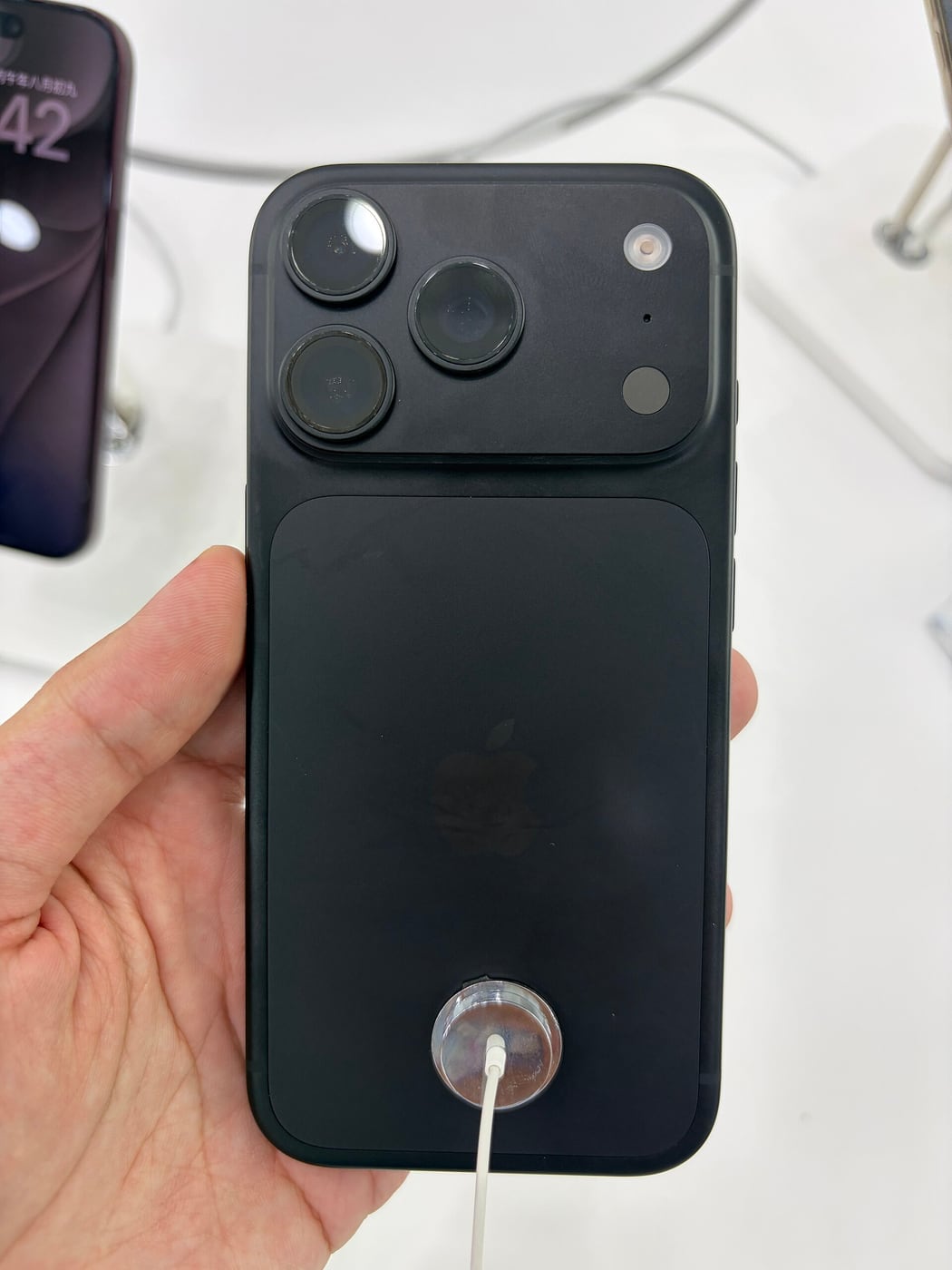
Apple lists a 6.3-inch display for iPhone 18 Pro. Samsung lists a 6.9-inch display for S26 Ultra and includes the S Pen in its product presentation. Samsung also describes a built-in Privacy Display. Apple's camera specification includes a variable-aperture main camera and associated controls.
Those differences can start a shortlist. They cannot tell us which phone produces better photographs or lasts longer in a particular person's hands. We have not measured those outcomes, and do not combine unrelated manufacturer battery figures into a ranking.
If the actual comparison is between the two largest models, change the Apple side to the Pro Max and check its own specification. A headline saying iPhone Pro versus Ultra can conceal a size mismatch that is important to the buyer.
Pick a normal working day
Write down the activities that make up an ordinary day: communication, reading, maps, photos and any specialist task. Then identify what is currently awkward. A clearly described problem gives the comparison more direction than a list of everything either phone can do.
For a fictional buyer who annotates documents regularly, the S Pen may deserve a demonstration. For another who relies on an established iOS application and accessories, continuity could carry more weight. Neither preference proves one system is technically superior in every respect.
Try to keep a rarely used feature from outweighing a daily inconvenience. A larger display may be welcome when reading documents but inconvenient to carry. An advanced camera control may be valuable to a creator while adding little to a person who always uses automatic capture.
Separate display privacy from account privacy
Samsung's Privacy Display addresses viewing from particular angles. It does not establish that an account is protected from phishing or that information can be used without permission. Those are different risks and require different controls.
If side-angle visibility matters to your work, ask to see that feature under the circumstances in which you would use it. We have not independently assessed its limits or the effect on readability. That remains a specific test to perform rather than a broad privacy verdict.

On either platform, check how you will secure accounts, recover access and handle sensitive information. A prominent hardware feature should not distract from those ordinary responsibilities. Do not put genuine customer or participant information on a demonstration handset to evaluate the idea.
Compare camera output for your subject
Find independent tests that photograph the subjects you actually care about. Moving people indoors, scenery and detailed close-ups can expose different strengths. A manufacturer's selected launch images are not a neutral comparison.
Also compare the workflow after capture. Check whether your chosen recording mode works with the editing software, storage arrangement and delivery format you intend to use. A technically impressive file is less useful if it creates a process you cannot maintain.
If you are learning manual controls, decide how much time you intend to spend using them. More options can be welcome without automatically improving the result. The relevant improvement is in the images you can reliably make, not the length of the camera settings menu.
Count the cost of switching
Moving platforms can involve account recovery, paid apps, accessories and the way your household shares information. List those dependencies. Do not assume that every subscription or accessory moves without qualification, or that it needs to be replaced without checking.
Price the exact Australian storage configuration and the accessories you need. Keep any trade-in, finance or promotional condition visible. An overseas starting price or an estimated trade-in value is not the same thing as the cash amount payable for your situation.
Before surrendering an old phone, verify that important accounts and data are accessible in the intended setup. Migration is a separate acceptance task. A successful photo transfer does not prove that every authentication method or specialist app has also moved.
A conditional verdict
Start with iPhone 18 Pro if you prefer its size and iOS workflow and can identify a useful role for its documented capabilities. Start with S26 Ultra if the larger working screen, S Pen or specific display-viewing controls address a need you have actually established.
Defer the purchase decision if it depends on untested battery life, a language feature whose availability is uncertain or a camera outcome demonstrated only in advertising. Seek evidence for that exact requirement. This article deliberately leaves those questions open rather than disguising the absence of a test with a score.
For an Australian buyer moving between work, study and family communication, the strongest choice is the one that fits the ordinary tasks and the total ownership arrangement. The comparison becomes useful when every major feature can be connected to a need, a condition or a test still to be done.
Related video: Samsung. Manufacturer introduction to Galaxy S26 Ultra.
Read more from AusLume Media: account recovery before changing phones.

About the author
RullikClear, sourced explainers on Australia and the world
Rullik is the pen name of the founder of Australia Illuminate (Auslume). Rullik writes plain-language explainers on life in Australia, from immigration, study and work to money, sport and screen culture, always linking to the official sources behind each story. Every story is reviewed before publication.
More from Rullik ↗Image credits
- Galaxy S26 Ultra and Galaxy Buds4 Pro on a retail display.: Photo: Dinkun Chen / Wikimedia Commons. CC BY-SA 4.0 (https://creativecommons.org/licenses/by-sa/4.0). Resized, without cropping. Source: https://commons.wikimedia.org/wiki/File:SAMSUNG_Galaxy_S26_Ultra_%26_SAMSUNG_Galaxy_Buds4_Pro.jpg