Watch the video
Player by YouTube. Open original video ↗
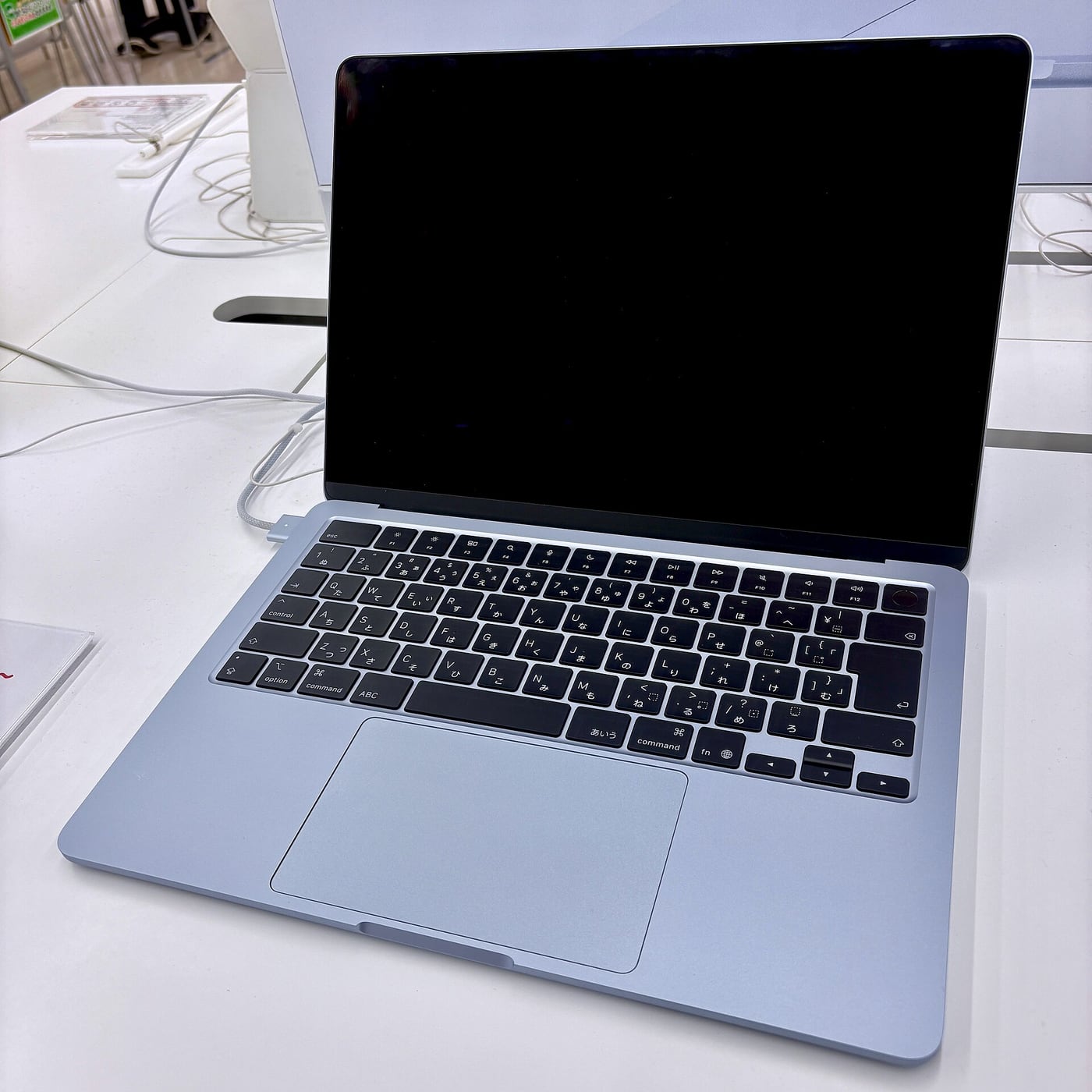
A portable study laptop earns its place by running the required work reliably. Before comparing Apple's MacBook Air M5 with Microsoft's new 13-inch Surface Laptop built on Snapdragon X2 Plus, obtain the course's software and equipment requirements. That can settle the shortlist faster than a processor chart.
This is a research-based comparison, not a hands-on test. Microsoft's September 2026 announcement is the reference for the new Snapdragon model, which should not be confused with an older 13-inch Surface or an Intel business variant. Australian availability, configuration and purchase terms need checking at the time of buying.
Two platforms, two compatibility questions
The Air uses macOS on Apple silicon. The referenced Surface uses Windows on Arm. Neither platform description guarantees that every application, assessment tool or peripheral used by your institution will work as required.
Microsoft's Windows on Arm documentation explains native applications, emulation and compatibility considerations. Emulation should not be treated as a blanket promise about every driver, accessory or specialist program. Ask the software maker and institution about the actual supported configuration.
For a fictional engineering student, an essential desktop package could outweigh preferences about weight or appearance. For a student working in a fully supported browser workflow, those physical preferences might become much more important. The course, not a generic students label, determines the relevant comparison.
Build a compatibility list you can verify
Write the exact software names and versions, including examination software, placement tools and anything connecting to equipment. Mark which requirements come from the institution and which are optional personal preferences.
Ask for current written advice where support is uncertain. A statement that an app opens is weaker than confirmation that the required features, plugins and assessment environment are supported. Keep that distinction visible rather than treating a successful launch screen as complete acceptance.
If a workaround requires another computer, remote access or a subscription, include its cost and availability. A laptop can still be suitable with an agreed supplementary arrangement, but the arrangement should be real and sustainable before you depend on it.
Touch and portability are separate preferences
Microsoft's Surface range offers a different interaction proposition from Apple's conventional Air laptop. Check the exact model's screen and input specifications rather than carrying features from a Surface Pro tablet into a Surface Laptop comparison.
Try your actual reading and writing tasks at a comfortable display scale. The amount of usable working space depends on more than the diagonal size printed in the name. A spreadsheet, a textbook PDF and a video call can each expose different practical constraints.

Do the same with the keyboard, trackpad and any accessibility settings you rely on. A brief shop visit is not a long-term comfort test, but it can reveal an obvious mismatch. We have not independently evaluated either machine's keyboard or display quality.
Battery advertisements are not a shared test
The manufacturers publish battery claims under their own conditions. We do not rank endurance by placing those maximum figures in adjacent columns and treating them as a controlled comparison.
Look for independent tests using comparable workloads and clear settings. A day dominated by video playback differs from one involving development tools, video meetings or media processing. A machine's ability to finish your own normal day remains the relevant question.
Include charging arrangements in the practical assessment. Check the supplied accessories, the charging standards and whether the chargers you already own are suitable. A long battery claim does not answer how easily you can recharge between classes or while travelling.
The home desk can change the value calculation
List the screen, webcam, storage and other equipment you intend to connect. Read the laptop and dock specifications together. The physical USB-C shape does not establish every charging, data and display capability.
For the Air, Apple's published external-display support provides a starting point for planning. For the Surface, use the corresponding specifications for the new model. Do not assume an old dock's successful use with a different Surface guarantees the new setup.
Count any adapters and software needed to make the desk usable. A portable computer may spend most of its time connected to a screen, which can change how much you value the built-in display size. Someone who works entirely on the laptop can reasonably choose differently.
Include campus printing, scanning and any placement equipment in the compatibility enquiry. These tasks can be overlooked because they are less prominent than the main course application. Ask the institution for the supported connection and software route, rather than assuming that an ordinary document opening successfully establishes the whole study workflow.
Compare complete, local configurations
Match memory, storage and essential accessories before comparing the price. Check current Australian offers and their conditions. Do not convert an overseas launch price into a purchase recommendation without considering the actual local product and service arrangements.
Apple's announcement provides the current Air's storage starting point; Microsoft's new announcement supplies the identity of the Surface being discussed. Beyond those documented facts, a retailer's current configuration deserves a fresh check. Similar names can continue to appear in stock after a model changes.
Start with the Air if macOS supports the course and you prefer its workflow. Start with the new Surface if Windows on Arm supports the course and its documented features fit the way you work. If support remains unclear, defer the purchase until it is resolved. A requirement that can determine whether an assignment is completed deserves priority over a launch slogan.
Related video: Apple. Manufacturer MacBook Air M5 introduction.
Read more from AusLume Media: account recovery before changing phones.

About the author
RullikClear, sourced explainers on Australia and the world
Rullik is the pen name of the founder of Australia Illuminate (Auslume). Rullik writes plain-language explainers on life in Australia, from immigration, study and work to money, sport and screen culture, always linking to the official sources behind each story. Every story is reviewed before publication.
More from Rullik ↗Image credits
- Laptop, notebook and pen on a desk beside a chair.: Illustrative photograph, not a reported event or endorsement. Photo: nicoll camacho / Unsplash. https://unsplash.com/photos/laptop-notebook-and-pen-on-a-desk--Z8cI1gs4zk (Unsplash License: https://unsplash.com/license).
Sources
- https://www.apple.com/au/macbook-air/specs/
- https://blogs.windows.com/devices/2026/09/23/introducing-surface-pro-12-inch-and-surface-laptop-13-inch-with-snapdragon-x2/
- https://learn.microsoft.com/en-us/windows/arm/overview
- https://www.apple.com/au/newsroom/2026/03/apple-introduces-the-new-macbook-air-with-m5/