

Watch the video
Player by YouTube. Open original video ↗
Two refurbished laptops can have the same advertised memory and very different prospects for a university course. One may run the required software with supported updates. Another may need an operating-system change, a charger or a battery replacement before it is useful. The sticker price does not show that difference clearly.
Start the comparison with the work the computer must do. The following buying worksheet is an original set of questions for Australian students. It is a researched guide, with no hands-on assessment of a seller, model or refurbishment programme, and no affiliate links.
Get the course requirements in writing
Find the course or faculty's current computer requirements. Ask about the exact applications, examination software and operating systems used. “Works for study” is too broad when an engineering application, a design package and a browser-based subject can have different requirements.
Save the version and date of the requirement sheet. If the course supplies remote access to specialist software, ask when it is available and whether it works on the proposed device. Do not assume a borrowed lab computer or a remote service will always be available before a deadline.
Turn the requirements into a short checklist that can be sent to a seller. Ask for confirmation against the exact listed model and configuration. A salesperson's assurance about a product family does not establish that the particular machine has the necessary hardware or licence.
Check the supported operating system
Microsoft's Windows 11 requirements include processor eligibility and security-related hardware requirements. A description that says only “i5” or “fast processor” does not identify eligibility. Ask for the precise processor and model, then check the manufacturer's information and Microsoft's supported route.
Microsoft ended standard Windows 10 support on 14 October 2025. Special editions and extended-update arrangements have separate conditions. A machine that turns on and runs Windows 10 is therefore not enough evidence of an appropriate, supported setup in October 2026. Ask which supported operating system is supplied and how its licence is documented.
Avoid treating an unsupported installation workaround as an ordinary upgrade promise. If a machine cannot meet the course and support requirements through a supported configuration, include the cost of a suitable alternative in the comparison. Check Apple or other platform support separately for a non-Windows purchase.
Ask what refurbished means for this unit
Request the seller's actual inspection and replacement process. Has the battery been tested? Is there a stated minimum condition? Were storage, keyboard or display components replaced? A condition grade may describe appearance without answering any of those questions.
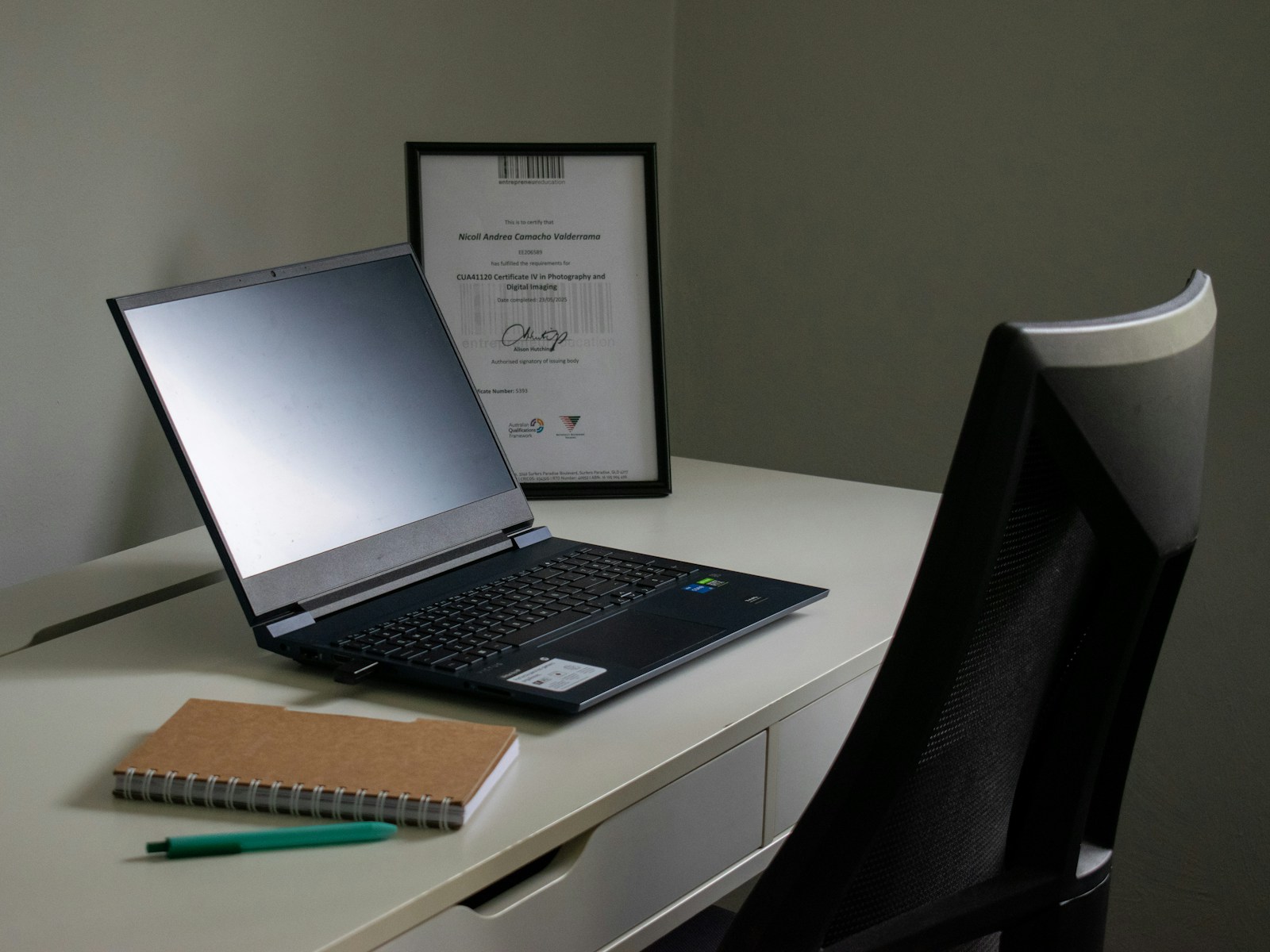
Ask for photographs of the actual device where practical. Stock images can show the model but cannot establish that a hinge, port or display on the offered unit is intact. If there is a cosmetic defect, have it described in the order rather than relying on a phone conversation.
Check what arrives in the box. A missing charger, unsuitable power lead, absent webcam or short cable may create an additional expense. Confirm that included accessories are suitable for the machine and its intended Australian use. An inexpensive accessory is not useful if it cannot supply the required power safely.
Build a complete first-month cost
Use four lines in your comparison: the delivered computer, essential accessories, required software and any immediately necessary work. Add these before comparing the total with another refurbished unit or a suitable new model. Keep optional upgrades on a separate line so that they do not become invisible necessities.
Include time as a practical constraint. Ask when the machine will arrive, how a fault is handled and whether return shipping could leave you without a computer during the first assessment. A lower total might still be unsuitable if there is no workable route to having the equipment ready when needed.
For a fictional example, a cheaper laptop needing a charger and an immediate battery replacement could cost more to prepare than another listing that includes both in acceptable condition. Obtain actual written quotes for your shortlist; this example supplies no market price or estimated repair charge.
Understand who is selling it
The ACCC distinguishes business sales from one-off private sales. Most consumer guarantees do not apply to private sales in the same way, although some protections still do. Buying a second-hand product from a business can carry consumer guarantees, with acceptable quality assessed in context, including age and price.
Read the seller's returns process and written warranty alongside that distinction. Keep the listing, invoice and any promises about battery condition or compatibility. A warranty description should not be treated as a complete statement of Australian consumer rights. For a dispute, use current regulator guidance or seek appropriate advice.
Inspect before the study term depends on it
On arrival, compare the model and configuration with the order. Try the keyboard, trackpad, webcam, microphone, Wi-Fi, ports and supplied charger. Open the actual course software where permitted. Record a problem promptly and follow the seller's process while preserving your order information.
Set up your own account and recovery arrangements once you are satisfied that the device is legitimately ready for transfer. If it asks for a former owner's or organisation's access, stop and ask the seller to resolve it. Do not copy assignment drafts onto a machine whose ownership or management state remains unclear.
Keep the completed comparison sheet after purchase. It records why the configuration was chosen and which promises need checking during inspection. Update the sheet with the actual arrival condition, rather than assuming the seller's original description has been confirmed.
Related video: Windows. Manufacturer promotional explanation of Windows 10 standard support ending. It is not an independent laptop review or endorsement; use the linked support documentation for eligibility.

About the author
RullikClear, sourced explainers on Australia and the world
Rullik is the pen name of the founder of Australia Illuminate (Auslume). Rullik writes plain-language explainers on life in Australia, from immigration, study and work to money, sport and screen culture, always linking to the official sources behind each story. Every story is reviewed before publication.
More from Rullik ↗This article was prepared with AI assistance.
Image credits
- Laptop, notebook and pen on a desk beside a chair.: Illustrative photograph, not a reported event or endorsement. Photo: nicoll camacho / Unsplash. https://unsplash.com/photos/laptop-notebook-and-pen-on-a-desk--Z8cI1gs4zk (Unsplash License: https://unsplash.com/license).
Sources
- https://support.microsoft.com/en-au/windows/experience/compatibility/windows-11-system-requirements
- https://support.microsoft.com/en-us/windows/deployment/updates-lifecycle/windows-10-support-has-ended-on-october-14-2025
- https://www.accc.gov.au/consumers/buying-products-and-services/consumer-rights-and-guarantees
- https://www.productsafety.gov.au/consumers/know-your-product-safety-rights/buy-safe-second-hand-products-online