
Watch the video
Player by YouTube. Open original video ↗
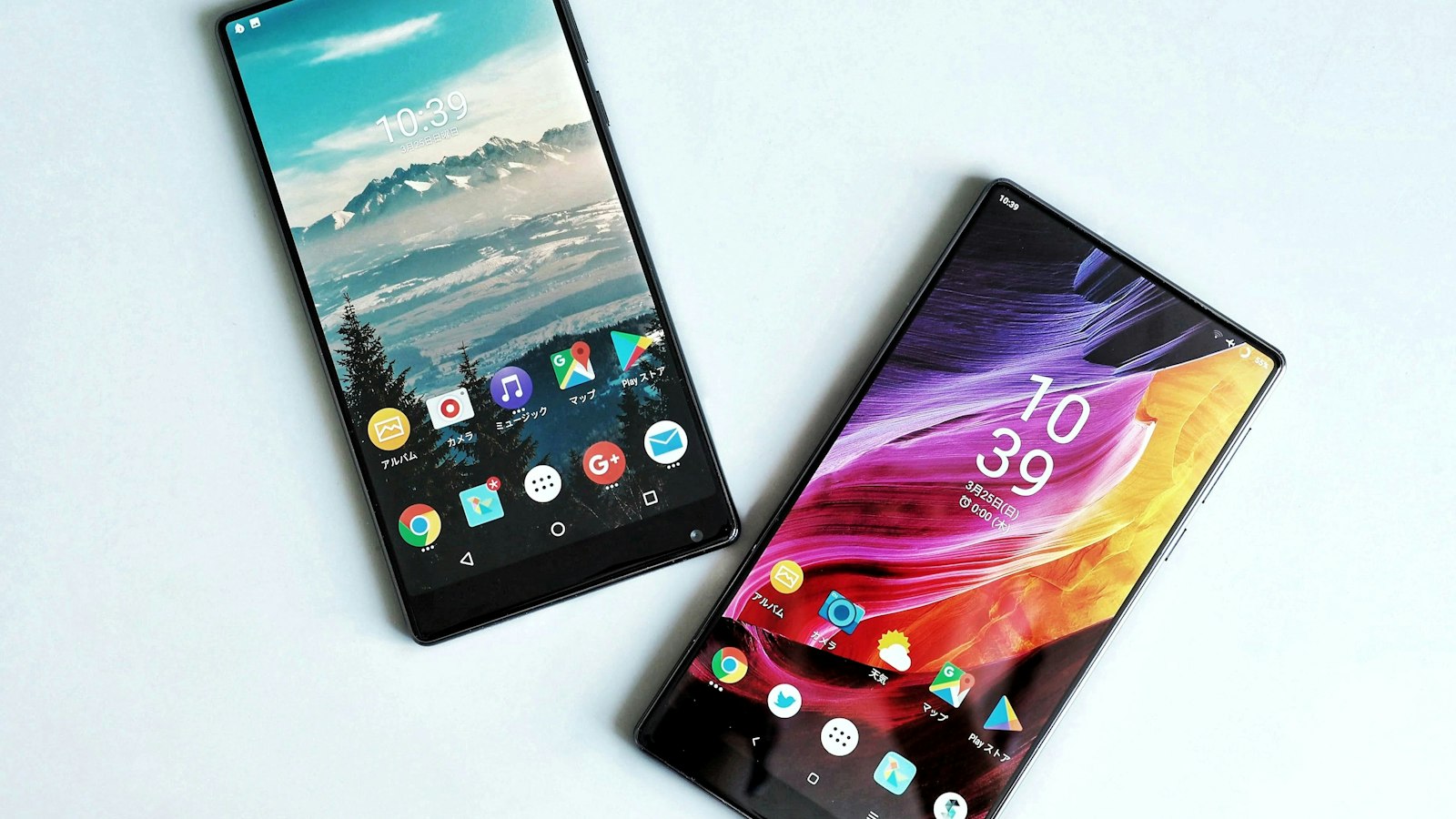
A second-hand phone can turn on, show a home screen and still be a poor purchase. Its previous owner's account may remain attached, the battery condition may be unclear or the exact model may not suit the intended Australian mobile service. A brief demonstration is useful, but it should lead to separate checks rather than a quick payment.
This is a researched buying checklist, not a test of a particular handset or marketplace. AusLume has not inspected the devices in a reader's shortlist. The questions are intended to help you decide what evidence to request and when an unresolved issue is a reason to walk away.
Identify the actual device and seller
Record the exact model, storage configuration and advertised condition. Check the information on the device where practical rather than relying on a box that could belong to another unit. Keep serial and device identifiers private; they do not need to appear in a public social-media post asking for advice.
Establish whether you are buying from a business or a person making a private sale. The ACCC explains that most consumer guarantees do not apply to one-off private sales in the same way as business sales, although some protections still apply. An online marketplace can contain both kinds of seller.
Save the listing and any written promise about faults, included accessories, battery condition or returns. Ask what happens if an advertised check proves incorrect after delivery. Avoid treating a reassuring badge or a seller's response time as proof that the phone is legitimately ready for transfer.
Separate the screen lock from the account lock
An owner entering a passcode demonstrates access to that screen. It does not, by itself, establish that a later owner can activate the device under their own account. Apple's Activation Lock guidance says not to take ownership of a used iPhone or iPad that remains protected by Activation Lock.
Google's Android device-protection guidance describes account verification that can be required after a factory reset. The details depend on the device and reset method. Follow the manufacturer's current transfer instructions and ask the legitimate seller to resolve their own account linkage.
Do not accept a promise that an account lock can be bypassed later. Never ask a seller to disclose their password to you, and do not enter your own account into an unknown website presented as an unlocking service. If the transfer cannot be completed legitimately, leave it unresolved rather than buying the problem.
Agree on a transfer process before meeting

Ask the seller how they will prepare the device for sale and remove their account. They should protect their own data and follow the maker's instructions. Do not press someone to erase personal photographs before they have arranged their backup, or attempt the process for them without understanding whose information is at risk.
Allow time for the manufacturer-recommended checks. An erased welcome screen is part of the process, but setup can still reveal an account or organisation requirement. If the seller cannot demonstrate an appropriate transfer, a claimed deadline or another interested buyer does not resolve that uncertainty.
For a remotely purchased phone, read the actual inspection and returns process before ordering. Keep the packaging and order record while checking the unit. If it arrives with an owner's account requirement or an undisclosed condition issue, contact the seller through the documented channel promptly.
Inspect condition without inventing a health score
Look at the screen, frame, camera lenses and charging connection. Ask about damage and repairs. Where the model provides a parts-and-service history or battery information, use the manufacturer's explanation of that display. Apple's pre-owned buying guide describes these checks for supported iPhone models; it is not a universal Android menu guide.
Request a current repair quote if a battery or another component needs attention. Do not convert a battery percentage into a promised number of months of use. Your workload and the individual device's condition matter, and a quick viewing cannot establish its long-term performance.
With the seller's agreement, test practical functions such as the camera, microphone, speakers, buttons and charging. Ask whether the device has an organisation-management requirement. A short test is evidence about that moment, so keep written descriptions of faults and condition rather than treating it as a warranty of future reliability.
Confirm the intended Australian service
Ask the mobile provider about the exact model and variant, including any imported version. A marketing name shared across several markets does not settle compatibility. Check the provider's current requirements instead of assuming that a visible signal icon or the words “unlocked” answer every question.
Account locks and carrier restrictions are different issues. Apple's buying guide explains where supported iPhones display carrier-lock information. For another phone, follow its manufacturer's and provider's instructions. Confirm which SIM or eSIM arrangement is available for your own plan before depending on it.
Check the manufacturer's current software-support information too. A phone's physical condition and its supported update period are separate considerations. Include essential accessories and any immediately needed work in the total cost, then compare that total with other suitable options. If ownership, activation or compatibility remains uncertain, keep looking.
Make your final record a short list of what was confirmed, what was merely described and what remains unknown. Keep payment and seller correspondence in the platform's documented process. An attractive price should not turn an unanswered ownership question into a checked box simply because the meeting or sale is nearly over.
Related video: Apple Support. Manufacturer reset demonstration. Erasing data does not bypass ownership protection; the legitimate seller must follow the current transfer instructions.

About the author
RullikClear, sourced explainers on Australia and the world
Rullik is the pen name of the founder of Australia Illuminate (Auslume). Rullik writes plain-language explainers on life in Australia, from immigration, study and work to money, sport and screen culture, always linking to the official sources behind each story. Every story is reviewed before publication.
More from Rullik ↗This article was prepared with AI assistance.
Image credits
- A person at a laptop holding a payment card: Photo: rupixen / Unsplash. Unsplash License (https://unsplash.com/license). Source: https://unsplash.com/photos/person-using-laptop-computer-holding-card-Q59HmzK38eQ. Illustrative payment photograph.