A connected camera, doorbell or home appliance can be easy to compare on price and features. The less visible question is how long the manufacturer will support the software that helps it work safely.
That question belongs near the start of a purchase, especially when a device is expected to stay in a home for several years. A discount is easier to assess when the buyer can also see the support period, account requirements and dependencies behind the advertised features.
Australia's smart-device security standards add useful information to that decision. They do not remove the need to understand the product.
The date on the receipt is not the whole test
The Department of Home Affairs says the security standards commenced on 4 March 2026 and apply to in-scope products manufactured on or after that date. A product bought later may have been made earlier. Purchase date alone therefore does not establish whether the new requirements apply.
There are also exclusions. The department identifies categories including desktop and laptop computers, smartphones and tablets as exempt from these particular rules. Shoppers should check the official scope rather than assume every internet-connected product sits within it.
This distinction is important when comparing old stock with a newly manufactured model. Ask the retailer or manufacturer about the actual model and its documentation. A general statement that a shop sells new products does not answer when a particular device was manufactured.
Nor does compliance mean that a product cannot develop a vulnerability. It describes meeting specified requirements, not a permanent guarantee against every security problem.
Ask for the support commitment in writing
The government's factsheet describes requirements concerning passwords, vulnerability reporting and security-update support information. These include avoiding universal default passwords and making information available about the support period.
A declared support end date gives a buyer something concrete to compare. “Updates available” is much less useful if it does not explain for how long. These standards should not be described as promising an identical minimum number of support years for every product.
Save the relevant model information and support page with the purchase record. If two similar products have different support commitments, that difference can be considered alongside price, repair options and the functions the household actually needs.
It is also worth asking how updates arrive. Does the device install them automatically? Does an app need to be opened? Will a household member receive a notification? Those are product-specific questions for the manufacturer, not assumptions that can be settled by the presence of a Wi-Fi logo.
Map the accounts and information involved
The Australian Signals Directorate's personal cyber security handbook encourages people to consider the information a device collects and shares, its security settings and its updates. That is a useful way to move beyond the product's most attractive feature.
Before buying, sketch the everyday setup. Which person will hold the main account? Will another household member need access? Does the feature require the manufacturer's online service? What information is sent away from the device?
These questions are particularly helpful for a shared household. A person moving out should not remain the only one able to manage a device everyone else relies on. The account and access arrangements should be understood by the people who need to use them.
Ask what works if the internet connection is unavailable, and what happens if an optional subscription ends. The answer may be entirely acceptable for the intended use. It is still better to know before installation than to discover a dependency at an inconvenient moment.
The home network needs attention too
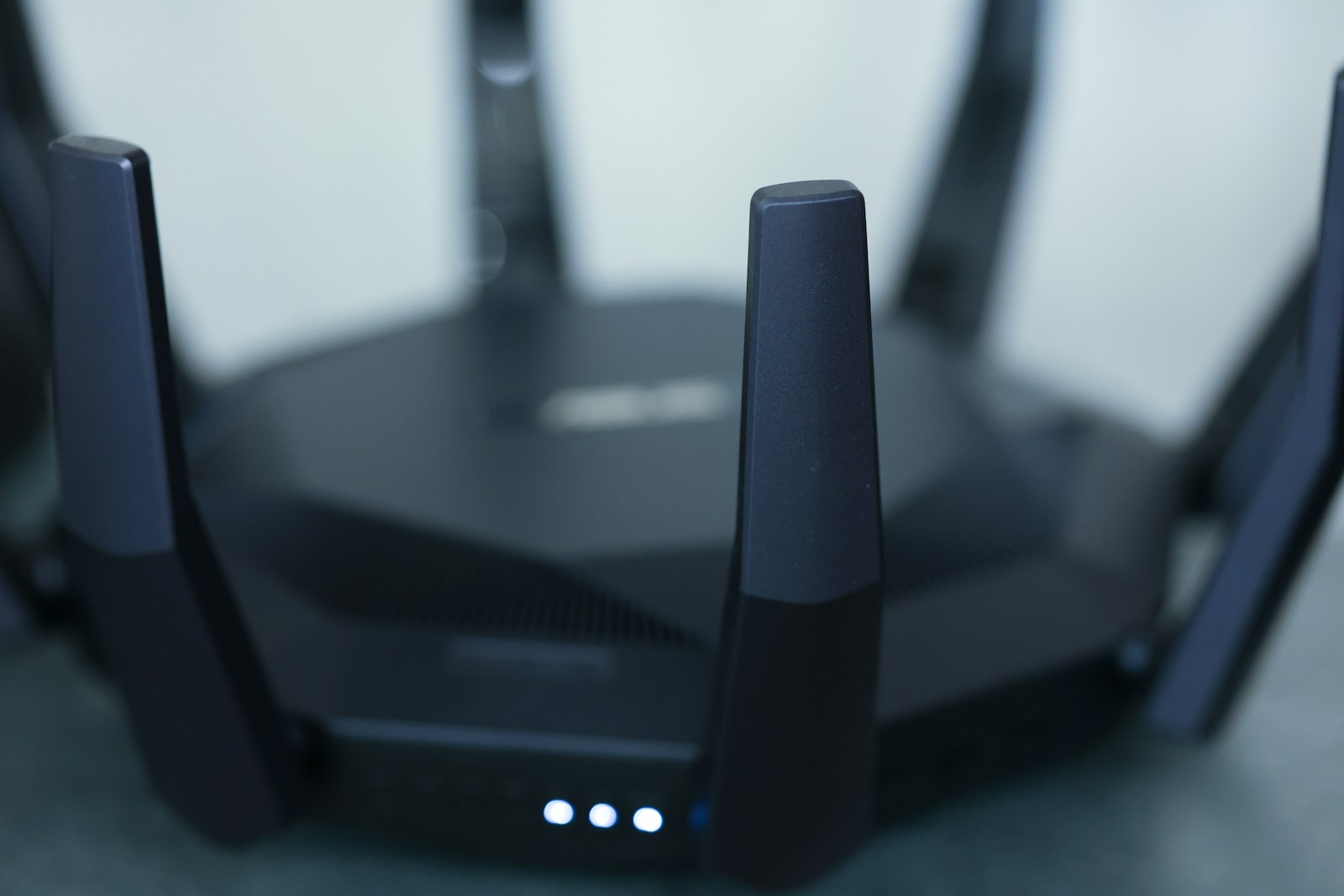
A new device joins an existing environment. The router, its settings and the household's account habits remain relevant.
The US Federal Trade Commission's home Wi-Fi guidance explains the difference between the password used to join a network and the administrator password used to change router settings. It recommends current encryption such as WPA3 Personal or WPA2 Personal, unique credentials and keeping router software updated. This is technical guidance, not a statement of Australian legal requirements.
Follow the instructions for the actual router, including advice from an internet provider where it manages the equipment. Changing a setting without understanding a dependent device can interrupt something the household uses. If the instructions are unclear, ask the provider or manufacturer before making the change.
There is no need to publish a photograph of the router label to request help in a public forum. Labels can include information intended for people with authorised access to the device. A model number may be enough for a general question.
Compare the whole useful life
A practical shortlist can fit on one page: model, purchase price, declared security-support end date, required account, optional fees and essential features. Add any unanswered question rather than filling the gap with an assumption.
The aim is a purchase that makes sense for the household's expected use. A device with more features may also have more settings and dependencies to manage. A simpler product may be sufficient.
Check that the support statement refers to the model you will receive, and record the date you checked it. Knowing who maintains the software, how updates arrive and when that commitment ends gives the buyer a clearer picture of what they are bringing home.

About the author
RullikClear, sourced explainers on Australia and the world
Rullik is the pen name of the founder of Australia Illuminate (Auslume). Rullik writes plain-language explainers on life in Australia, from immigration, study and work to money, sport and screen culture, always linking to the official sources behind each story. Every story is reviewed before publication.
More from Rullik ↗Sources
- https://www.homeaffairs.gov.au/about-us/our-portfolios/cyber-security/security-standards-for-smart-devices
- https://www.homeaffairs.gov.au/cyber-security-subsite/files/factsheet-security-standards-for-smart-devices-and-consumer-grade-rules.pdf
- https://www.cyber.gov.au/publication/personal-cyber-security-handbook/secure-your-devices
- https://consumer.ftc.gov/articles/how-secure-your-home-wi-fi-network