Watch the video
Player by YouTube. Open original video ↗
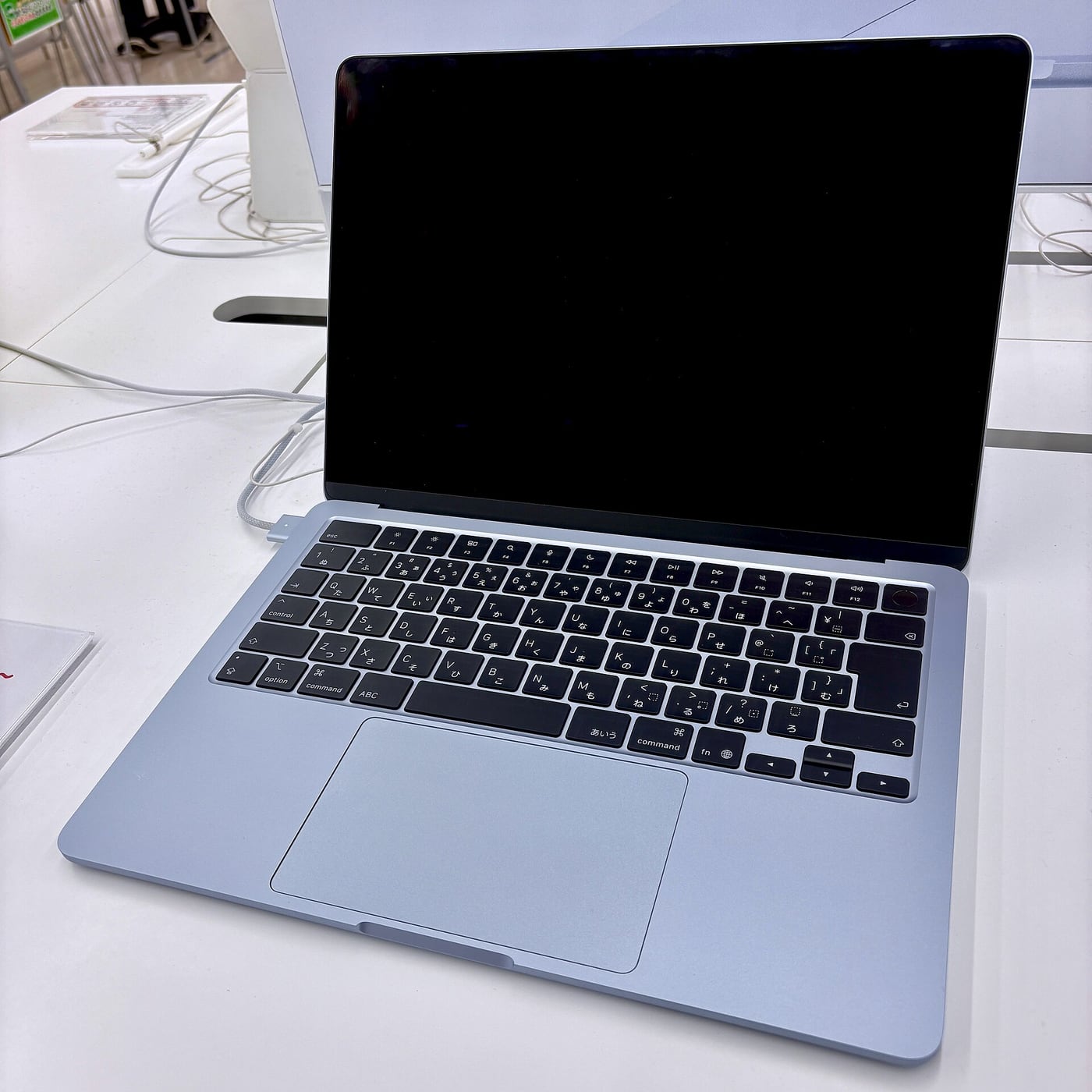
Choosing a MacBook Air size sounds simpler than choosing a platform. Both shortlisted machines use macOS and belong to the M5 Air family. Yet a screen that looks generous in a shop can be inconvenient on a small desk, while a compact laptop can feel restrictive when it is your only display.
This is a research-based comparison of Apple's published information. AusLume has not tested the two laptops side by side or measured their battery life, sound or sustained performance. The recommendation is conditional on how you work, not a numerical score pretending to represent a hands-on test.
Start with the visible work
Apple lists display sizes of 13.6 inches and 15.3 inches for the two Air models. That tells you the physical scale of the screen, but the amount of content you can comfortably use also depends on display scaling and application layout.
Try a representative document at the text size you prefer. Put a reference beside a writing window, or open the spreadsheet you normally use. Do not reduce everything until it technically fits if the result is uncomfortable to read.
For a fictional student comparing lecture slides with notes, the larger display could reduce window switching. Another student using a single writing window may gain less from the extra area. Both should judge the view they would use during an actual study session.
Count the places the laptop must fit
Measure the bag or sleeve you intend to keep, and consider the desk or tray where you regularly work. The manufacturer's dimensions are more useful here than a size label. Include room for safe handling and any case you plan to use.
A laptop that spends each day moving between classes, shifts and transport has a different job from one carried occasionally between home and an office. Think about the whole daily load, including chargers and other equipment, rather than the laptop in isolation.
We have not independently assessed carrying comfort. An in-person check with a comparable bag can reveal an obvious mismatch, although it cannot reproduce a semester of commuting. Avoid allowing an attractive shop display to stand in for that practical question.
The external monitor changes the decision
If most work happens at a desk with a suitable monitor, the built-in screen may be less important than portability away from the desk. If the laptop is the only display you will have, the larger working area can matter more.
Read Apple's current external-display specification for the configuration you are buying, and check the intended dock and cables. Do not assume that a monitor's USB-C connector establishes every necessary video, charging and data capability.

For a fictional home setup, write down the connection path from laptop to dock to display. Include the keyboard, webcam and storage you intend to use. Price any missing component before deciding that one laptop size creates an inexpensive complete workstation.
Match configurations before prices
Compare the same memory and storage configuration where possible. A larger-screen model with one configuration and a smaller model with another is not a clean screen-size price comparison. If the configurations differ, state what else is changing.
Use current Australian checkout prices and distinguish ordinary pricing from education, trade-in and finance arrangements. Eligibility and conditions belong beside a promotional figure. A price remembered from the launch or from another country's store is not a dependable local total.
If the price difference would otherwise fund a useful monitor or accessory, compare the complete alternatives. A smaller laptop plus a desk screen can be a sensible option for one routine, while a larger self-contained laptop may fit another. The accessories should serve an actual need, not simply consume the amount saved.
Do not assume the size predicts every outcome
We do not infer that one size is faster, cooler or longer-lasting solely from its dimensions. Those questions need the relevant specifications and comparable testing. A larger enclosure is not enough evidence to award a performance victory.
The same caution applies to a claimed battery maximum. Read the manufacturer's conditions and seek independent testing resembling your work. Video playback, repeated meetings and sustained processing are different workloads.
If performance is the deciding concern, identify the actual application and task. A course's required software or a creative project's export process may matter more than the display-size choice. Confirm platform compatibility before assuming that both shortlisted sizes can do the required work.
Use a brief decision exercise
Spend a few minutes on each model with the same harmless sample tasks: reading, writing beside a reference, a video-call layout and the kind of spreadsheet or creative canvas you use. Keep text settings comfortable and compare the resulting workspace.
Then consider carrying and storage. Can you close, pack and move the machine easily in the intended setting? Does it fit the bag and the desk? Are any reach or handling issues apparent? Those observations are specific enough to be useful without claiming to be a full usability study.
Choose the 13-inch class if the compact body solves a frequent carrying or desk-space problem and its readable workspace is sufficient. Choose the 15-inch class if the extra visible work helps repeatedly and the larger body fits your routine. If neither advantage is clear, keep the price difference and the complete setup in view. The better size is the one whose benefit you will use on an ordinary day.
Related video: Apple. Manufacturer MacBook Air M5 introduction.
Read more from AusLume Media: account recovery before changing phones.

About the author
RullikClear, sourced explainers on Australia and the world
Rullik is the pen name of the founder of Australia Illuminate (Auslume). Rullik writes plain-language explainers on life in Australia, from immigration, study and work to money, sport and screen culture, always linking to the official sources behind each story. Every story is reviewed before publication.
More from Rullik ↗Image credits
- A person studying with a laptop and notebook at a library table.: Stock photograph taken in Seattle, United States. The person pictured is not connected to an academic misconduct case. Credit: Ashutosh Gupta / Unsplash. Licence: Unsplash License. https://unsplash.com/license Source: https://unsplash.com/photos/focused-student-studying-at-a-library-table-with-a-laptop-NASjMHJ9OhI