Watch the video
Player by YouTube. Open original video ↗
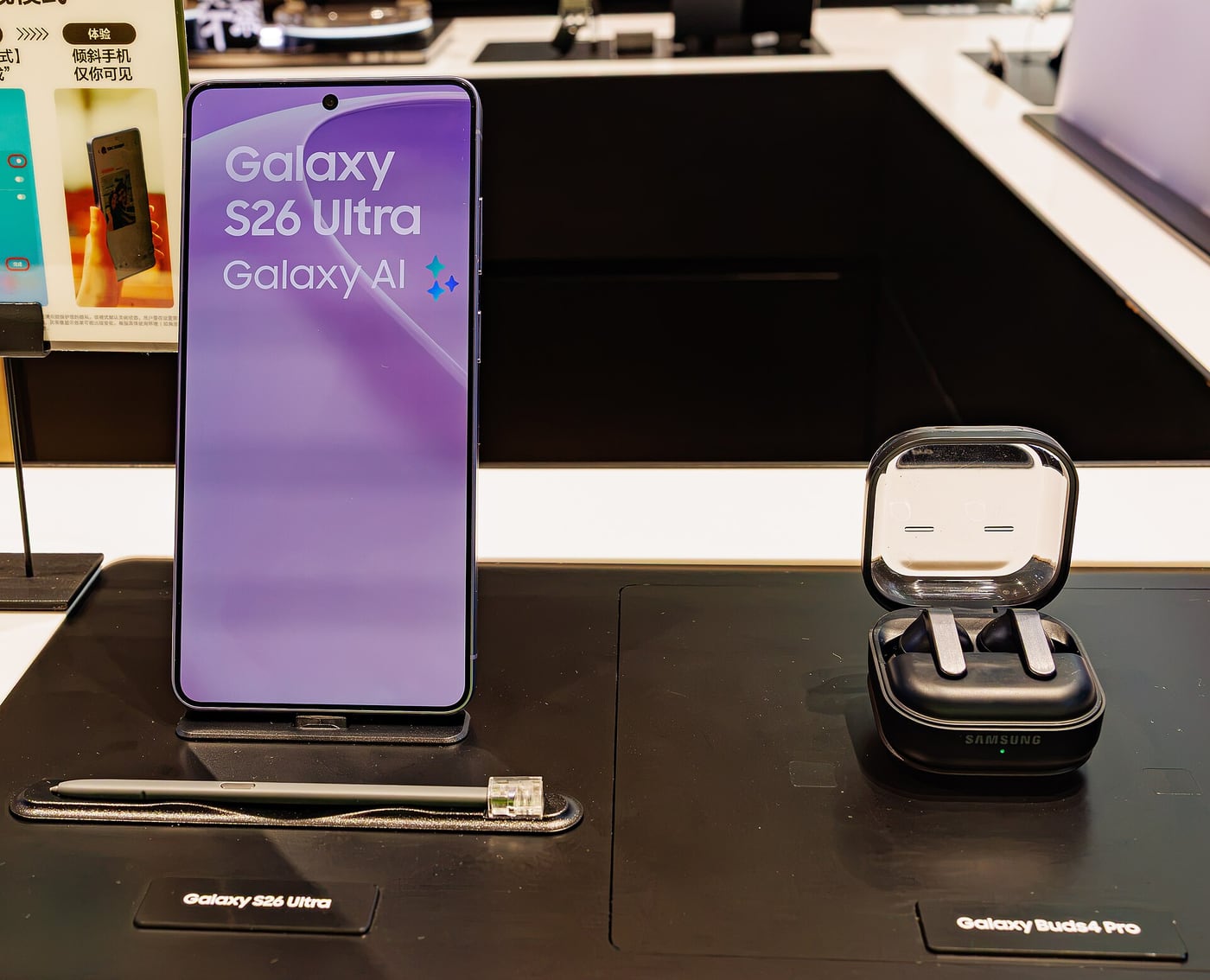
Samsung's Galaxy S26 Ultra is easiest to understand when its distinctive tools are matched to a task. A large display, S Pen and built-in Privacy Display could be useful to a particular buyer. A long specification list does not establish that those tools justify the size and cost for everybody.
This is a research-based review using Samsung's current Australian product information. AusLume has not tested the handset, measured camera output or compared battery endurance. Manufacturer claims are treated as claims, and the provisional judgements are ours. The linked Samsung film is promotional material, not an independent review.
Give the S Pen something to do
Samsung shows the S Pen as part of the Ultra's hardware proposition. Our assessment is that a buyer should name the recurring task that makes it worthwhile: annotating a document, marking a photo or writing a quick visual explanation, for example.
Try that task in a demonstration using the app you intend to use. A stylus can feel appealing during a short sketch while adding little to a workflow centred on typing. Also ask how the note or annotation will be exported and opened by the person receiving it.
For a fictional care-team administrator, marking an approved blank document might be a useful demonstration. Real participant records should not be uploaded to a shop phone or a personal AI service to test the idea. Product evaluation needs its own privacy boundaries.
Privacy Display has a specific job
Samsung's page describes a built-in Privacy Display that can restrict side-angle visibility, with controls for different screen content. That addresses a particular problem: a nearby person looking at the display. It is not a replacement for account security or permission to handle sensitive information in public.
Before buying for that feature, ask to see the relevant settings and the viewing positions that matter to you. We have not independently checked visibility at different angles or the effect on readability. Those are appropriate questions for a physical demonstration and a careful independent test.
Keep the security claims separate. A display feature does not establish that a message is encrypted, an app is trustworthy or a device cannot be compromised. Buyers should be cautious when a general privacy label is used to answer several different technical questions at once.
The body needs to suit your day
Samsung lists a 6.9-inch display and a 214-gram weight for the Ultra. Those are relevant to reading and carrying it, although the complete experience also depends on a case, hand size and the way a person uses the controls.
Try the phone in the places you normally keep it and with the text settings you prefer. A large screen can make documents easier to view while making one-handed use less convenient. Which trade-off matters more is a personal judgement, not something settled by the diagonal measurement.

For a commuter, a useful shop exercise is reading a long message, reaching the top controls and moving between the actual apps used daily. Do not evaluate only the full-screen demonstration prepared by the retailer. Ask to return the device to its ordinary navigation layout.
Camera numbers leave important gaps
The Australian product material lists a 200MP wide camera and several other camera features. That number does not tell us the appearance of skin tones, motion handling, processing preferences or consistency between lenses. We have not tested any of those outcomes.
If you photograph moving children, indoor sport or products for work, look for independent samples of that task. Check whether samples use the standard automatic mode or a setting you would realistically select. A carefully arranged scene is not a complete test of a camera.
Decide how you will view and use the results. A picture inspected at full resolution on a monitor and the same image compressed into a messaging app are different viewing situations. Buy for a useful improvement in your output rather than a number you rarely use.
AI features need a repeatable benefit
Samsung promotes Galaxy AI throughout the range. List the particular feature you want and check its supported languages, account requirements, connectivity and terms. Do not assume that every demonstrated function behaves the same offline or remains free under every future arrangement.
For students and families using Nepali, verify the exact language requirement before relying on a translation promise. We do not assert support for a particular Nepali feature here. A useful bilingual demonstration should use a harmless sample relevant to the intended task.
Consider whether you would still want the phone if the headline AI feature were unavailable for your situation. That question prevents an uncertain service capability from carrying the whole purchase decision. The hardware should still meet the core communication and work needs.
Our provisional buying judgement
The Ultra belongs on a shortlist for people who have a clear use for the S Pen, a large working screen or the specific viewing-angle controls Samsung describes. It is a less convincing purchase when those features are merely interesting extras and the buyer prefers a smaller device.
Compare the current Australian configuration, accessories and any service costs before committing. Check the support and repair arrangements available to you, particularly if considering an imported variant. A lower advertised price can come with a different ownership experience.
We would require hands-on testing before judging sustained heat, actual endurance, call quality or the usefulness of Privacy Display in daily work. The documented features give the Ultra a recognisable purpose. Whether that purpose matches your day is the decision this researched review can help frame.
Related video: Samsung. Manufacturer introduction to Galaxy S26 Ultra.
Read more from AusLume Media: account recovery before changing phones.

About the author
RullikClear, sourced explainers on Australia and the world
Rullik is the pen name of the founder of Australia Illuminate (Auslume). Rullik writes plain-language explainers on life in Australia, from immigration, study and work to money, sport and screen culture, always linking to the official sources behind each story. Every story is reviewed before publication.
More from Rullik ↗Image credits
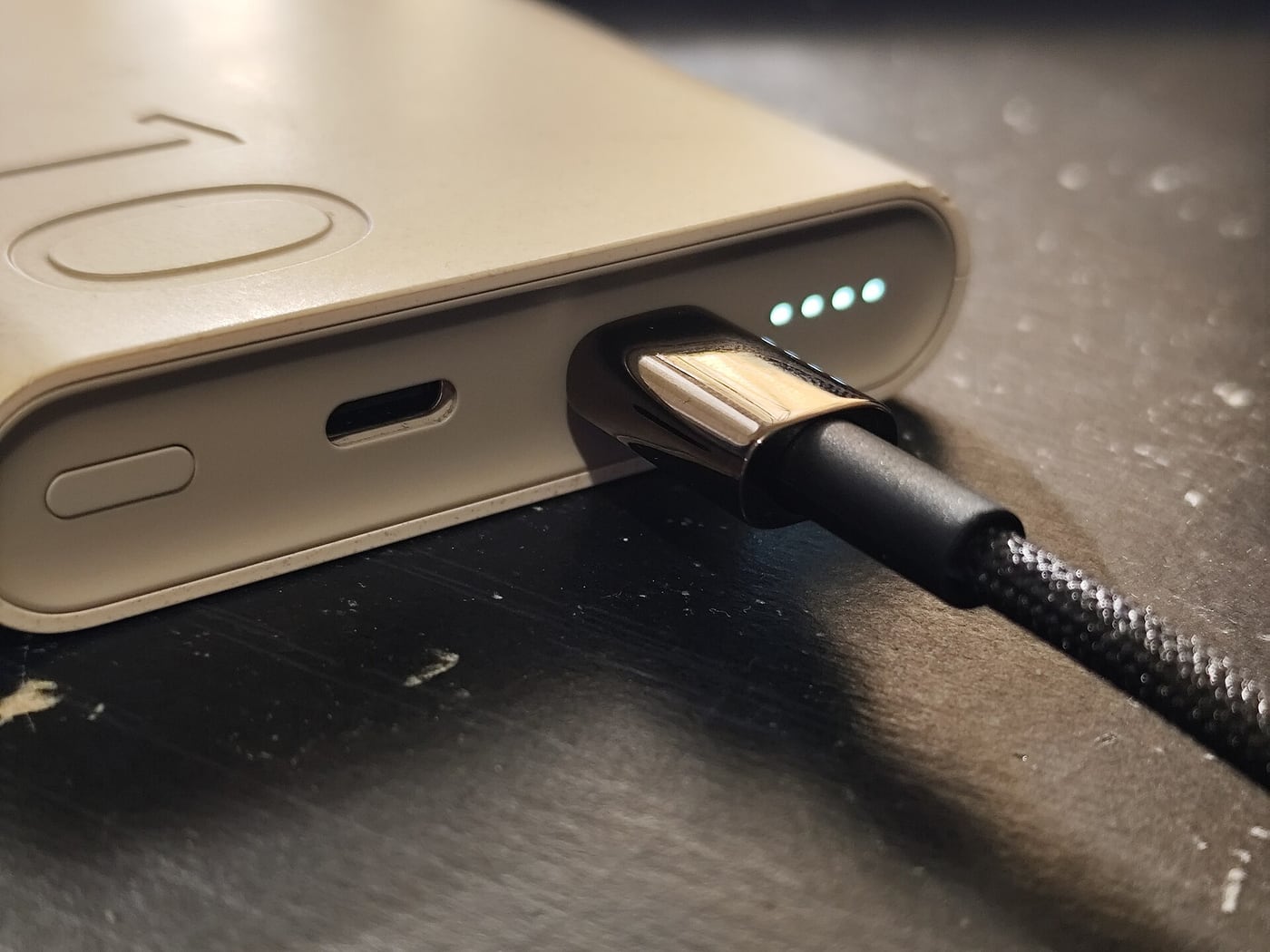
- A USB-C cable connected to a portable power bank.: Photo: Logant547 / Wikimedia Commons. CC BY 4.0 (https://creativecommons.org/licenses/by/4.0). Resized, without cropping. Source: https://commons.wikimedia.org/wiki/File:USB-C_cable_connected_to_a_powerbank.jpg