Watch the video
Player by YouTube. Open original video ↗
The MacBook Air M5 makes a straightforward shortlist for somebody who wants a portable Mac for study, documents and everyday creative work. Its case becomes weaker if the required software or specialist equipment has not been checked against macOS.
This is a research-based review of Apple's published specifications and Australian announcement. AusLume has not benchmarked the laptop, tested its battery or used it through a working week. The judgements are about the documented proposition. Apple's accompanying film is a product demonstration, not evidence of our testing.
Starting storage is a practical change
Apple's March 2026 announcement says the M5 Air starts with 512GB of storage. That provides a useful point of comparison with an older or differently configured machine. It does not establish how much storage your own work will need.
List the files that must remain on the laptop: active projects, downloaded course material, media and any software with substantial local data. Keep that separate from files you can legitimately store elsewhere. Avoid assuming a cloud subscription solves every offline or privacy requirement.
For a fictional student editing short videos, an internal drive can fill differently from a student working mostly in documents. The relevant question is how their actual projects and backup process fit. Buying the largest available drive without considering the workflow is not automatically the most economical response.
Check the applications before the chip
The M5 name tells you the hardware generation. It does not prove that every course application, workplace tool or older peripheral will work in the way you need. Ask the course or employer for current requirements and check the software maker's support information.
Pay particular attention to assessment software, specialist packages and device drivers. A browser-based demonstration may look fine while a required desktop component remains unresolved. Write down the exact application name and version rather than asking whether Macs are generally supported.
Our assessment is that compatibility is the first pass-or-fail decision for a student. A fast laptop that cannot complete an essential task is poor value for that person. Solve that question before spending time choosing a colour or comparing small performance claims.
Portability has more than one measurement
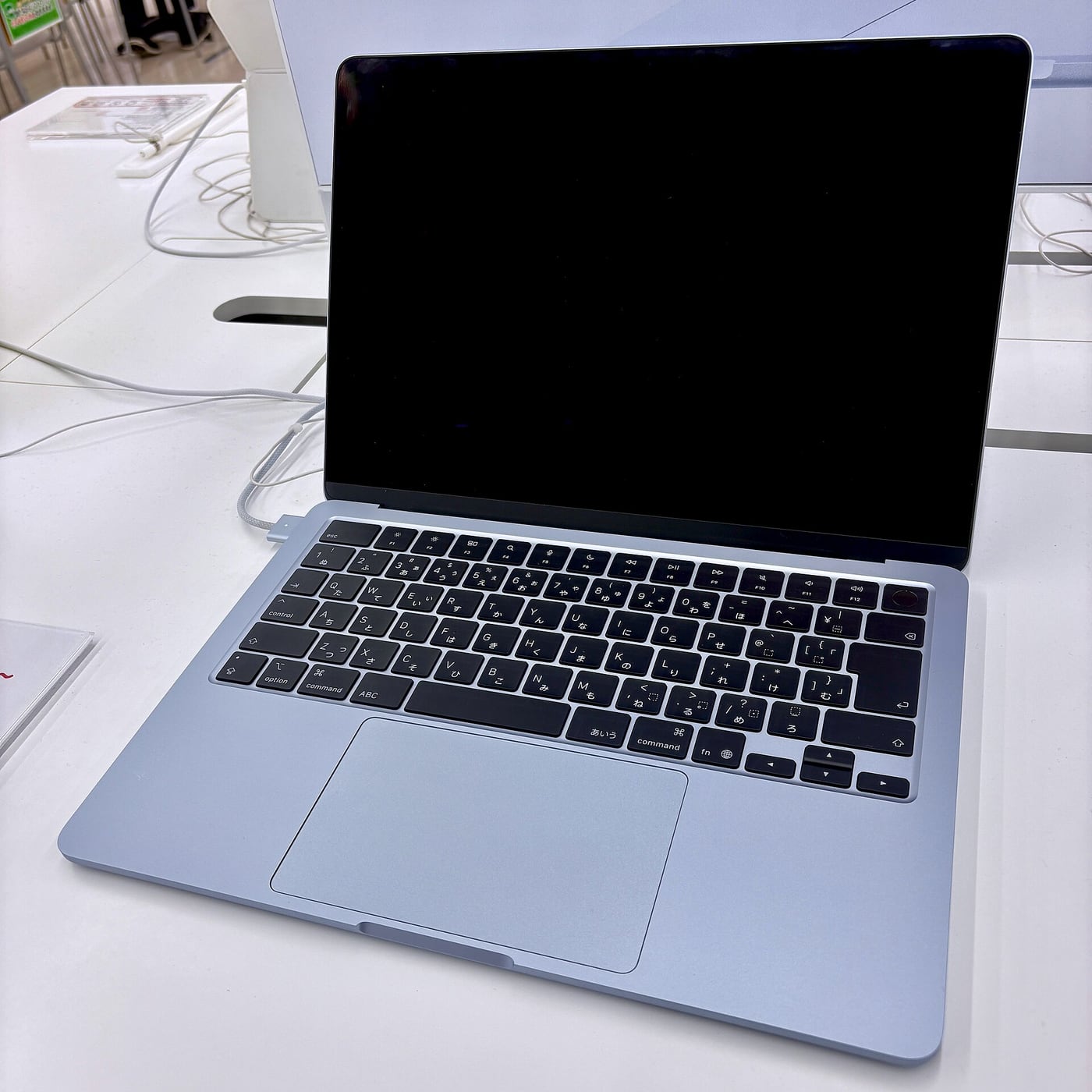
Apple offers 13-inch and 15-inch Air models. The decision involves the workspace you need and the bag, desk or commute you expect to use. Try each size if possible, with your normal text scaling and a realistic document layout.
A larger display can make side-by-side work more comfortable. A smaller body can be easier to carry. Neither observation tells every buyer which size is better. Someone using an external monitor most days can reasonably reach a different conclusion from someone working entirely on the laptop.

Do not confuse larger text with a larger working area. The display setting affects how much content fits. Check the view you can read comfortably, especially if a shop demonstration uses a scaling setting unlike your preference.
The desk setup needs its own budget
Apple documents two Thunderbolt 4 ports and support for up to two external displays, subject to its specifications. Match those capabilities to the exact screens and accessories you plan to use. An existing USB-C dock still needs a compatibility check.
Count power, video, storage and other connections rather than only counting sockets. If the setup requires an adapter or a new dock, include it in the total cost. Read the dock's supported host and display arrangements before relying on the ports pictured in an advertisement.
For a fictional home office, the useful purchase test is connecting the actual screen, webcam and storage arrangement with harmless sample files. It is not connecting an arbitrary monitor once and assuming every future combination will behave identically.
Battery claims are a starting point
Apple advertises up to 18 hours of battery life under its stated test conditions. We have not measured that figure. A real day depends on applications, display settings, networks, connected devices and the work being done.
If being away from power is central to the purchase, look for independent testing that resembles your task. A playback result and a day of sustained rendering answer different questions. Avoid combining the best number from one test with the workload from another.
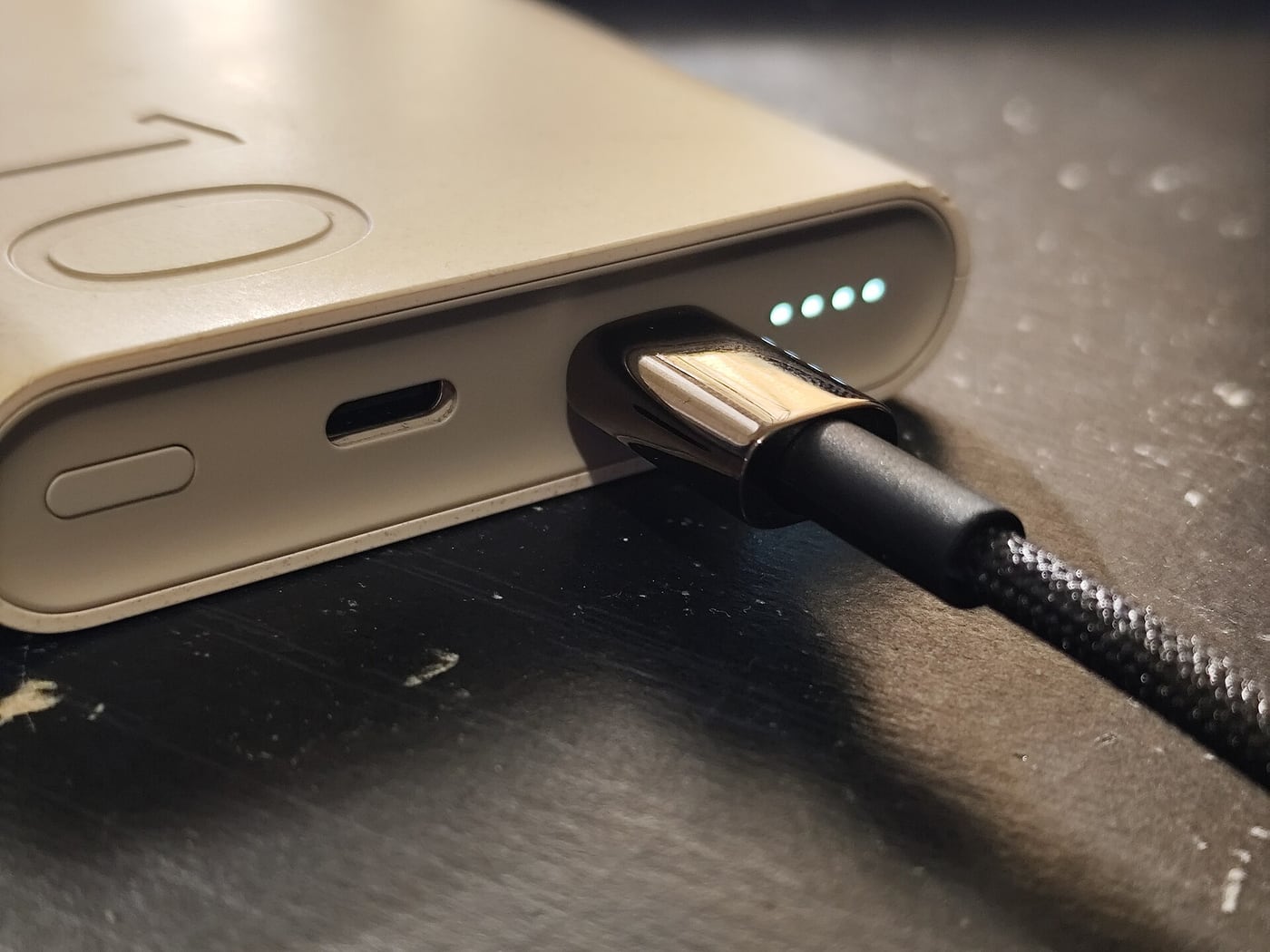
Also consider charging logistics. Check what is supplied, what charging arrangements the model supports and whether your existing accessories meet the requirements. A travel bag full of incompatible chargers can undermine the convenience the laptop is meant to provide.
Before moving the main workflow, try opening a harmless copy of an important document, saving it in the required format and reopening it elsewhere. That exercise can expose an overlooked application or file-format dependency. Keep the original files and a verified recovery path until the new arrangement has been checked.
Our provisional buying judgement
The M5 Air is a strong researched candidate for a buyer who wants macOS, has confirmed application support and values a portable general-purpose machine. Choose the configuration by the work and storage needs you can document, rather than the most expensive option available.
Seek a different shortlist if the essential workload requires unsupported software, a different operating system or sustained performance you have not seen adequately tested. We do not infer a professional workstation result from a portable-laptop launch claim.
Before buying, compare the exact Australian checkout configuration with any genuinely comparable offer, including accessories and service conditions. Keep education, trade-in and finance eligibility separate from the ordinary price. Our conclusion remains provisional until hands-on evidence answers the specific performance, battery and usability questions relevant to your work.
Related video: Apple. Manufacturer MacBook Air M5 introduction.
Read more from AusLume Media: account recovery before changing phones.

About the author
RullikClear, sourced explainers on Australia and the world
Rullik is the pen name of the founder of Australia Illuminate (Auslume). Rullik writes plain-language explainers on life in Australia, from immigration, study and work to money, sport and screen culture, always linking to the official sources behind each story. Every story is reviewed before publication.
More from Rullik ↗Image credits
- A person studying with a laptop and notebook at a library table.: Stock photograph taken in Seattle, United States. The person pictured is not connected to an academic misconduct case. Credit: Ashutosh Gupta / Unsplash. Licence: Unsplash License. https://unsplash.com/license Source: https://unsplash.com/photos/focused-student-studying-at-a-library-table-with-a-laptop-NASjMHJ9OhI